pcsc_scan improved user interface
Version 1.7.4 of pcsc-tools provides an enhanced version of the
pcsc_scan tool.
Problem
The program waits for card and reader events and reports any smart card events. If no reader or card is inserted or removed, nothing happens.
Since version 1.6.0 (New version of pcsc-tools: 1.6.0) the program
has included an animation (cycling \|/- characters) to indicate that
it is waiting. However, this was not obvious to users who did not know
how to stop the program or what to do.
Solution
Now when the program is waiting for an event it displays a message such as:
or
I hope this makes it clearer what the user is expected to do.
Demo
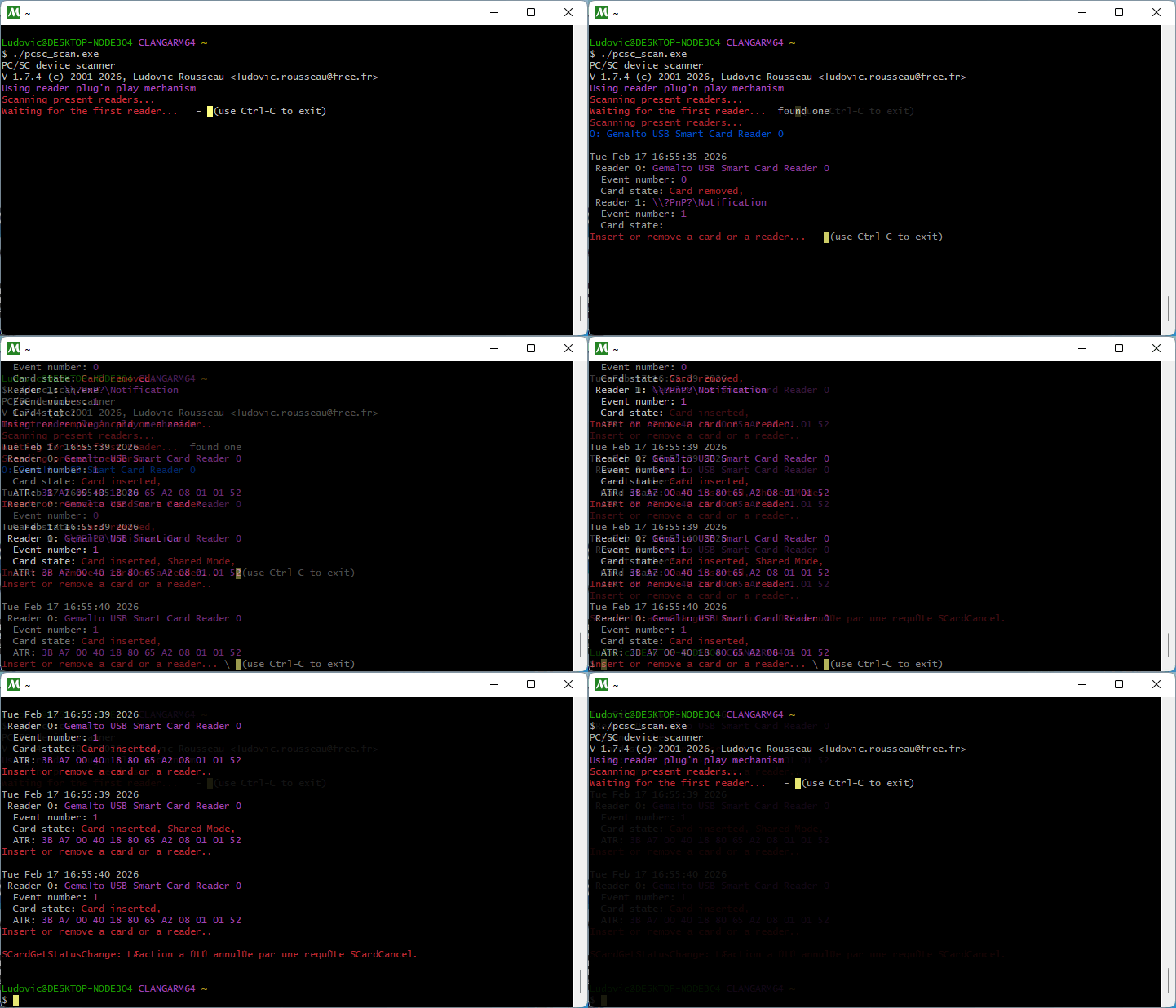
The animation was recorded and played using asciinema.
The sequence in the animation below correspons to:
Connect a reader
Insert a card
Remove the card
Disconnect the reader
Exit pcsc_scan
Windows
The program is also available for Windows. You can download the Windows binary from the project page https://pcsc-tools.apdu.fr/#windows
Conclusion
I hope you find pcsc_scan usefull for you. This tool is intended for
initial debugging purposes. For example see
Level 1 smart card support on GNU/Linux.